
Features and instructions
What Libra supports and how to use it.
Choose a topic for instructions, requirements and limitations.
01Reading
Reading and annotations
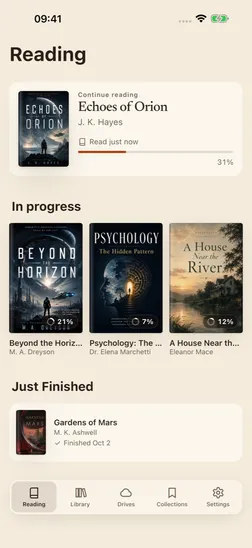
Open your book files, adjust the text and layout, and save bookmarks, highlighted passages and notes.

02Book sources
Adding books
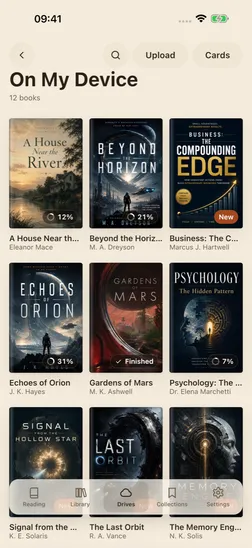
Import files from your device, connect a cloud storage service or download books from an OPDS catalog. Each source has its own setup instructions.
03Library and sync
Organising books and reading data
Find books, manage collections and record ratings and reviews. With Libra Pro, sync your reading data between Apple devices through iCloud.
Download Libra
Available for iPhone and iPad.